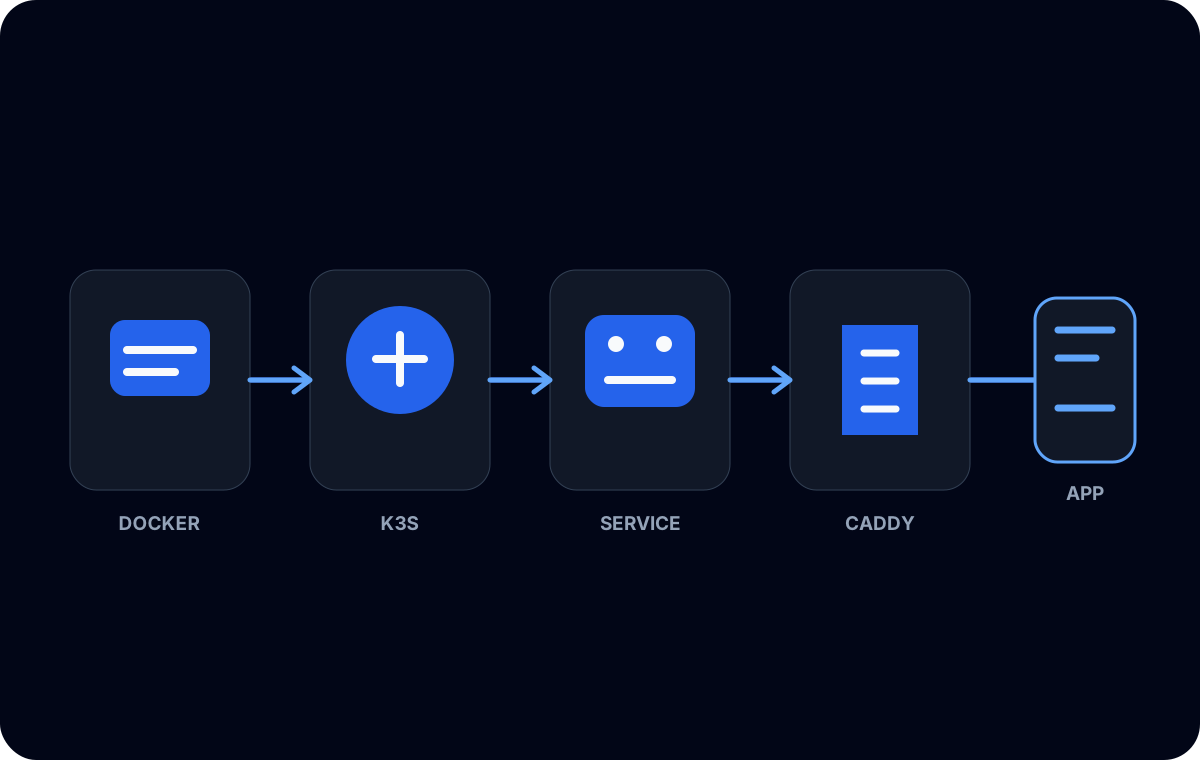
An application running directly on a Linux host could reach PostgreSQL, but moving the application into K3s changed the network path. The pod had its own address and the database server evaluated the connection based on the source it actually observed.
The quickest workaround would have been to listen everywhere and allow every network. I did not want connectivity at the cost of an unrestricted database boundary. The goal was to grant the specific K3s workload the access it needed and nothing more.
Start with the complete path
A PostgreSQL connection from a pod crosses several independently configured layers:
- the pod resolves the database host;
- the cluster network routes traffic out of the pod;
- host and network firewalls permit the destination port;
- PostgreSQL listens on a reachable interface;
pg_hba.confmatches the observed source, database, user, and connection type;- the PostgreSQL role has privileges on the database objects;
- the client negotiates SSL according to its connection settings.
An error at any layer can look like “the database is unavailable,” but the fixes are very different. I tested them in order rather than changing PostgreSQL authentication before confirming basic routing.
Which source address does PostgreSQL see?
The pod CIDR is an obvious candidate, but it is not always the address PostgreSQL sees. Depending on the K3s networking path and source NAT behavior, an external database may see the pod IP, a node IP, or another translated address.
I inspected the cluster’s configured pod range and compared it with the database logs and network path. I did not copy a CIDR from an unrelated cluster. Granting the wrong range either fails to solve connectivity or accidentally permits more clients than intended.
This was especially important because the application server and database were connected through private infrastructure. A private route defines reachability; it does not automatically define PostgreSQL authorization.
Listening is separate from authentication
PostgreSQL’s listen_addresses controls which server interfaces accept TCP connections. pg_hba.conf controls which matching clients can authenticate and how.
Changing pg_hba.conf cannot make a loopback-only server accept a remote TCP connection. Conversely, listening on a private interface does not grant any user permission by itself. I configured both layers deliberately and kept the host firewall as another independent boundary.
A sanitized rule has this shape:
# Replace POD_CIDR with the verified source range for this cluster.
hostssl  app_database  app_runtime  POD_CIDR  scram-sha-256
The placeholder is intentional. The real database name, role, and network range are environment-specific and are not published here.
I used hostssl where the server’s SSL configuration supported it and the client was expected to encrypt the connection. Client settings still needed to validate the server appropriately; merely requesting SSL without certificate verification may not provide the identity assurance expected from a production trust model.
Use an application role, not an administrator
Network admission is only half the policy. The application connected with a dedicated runtime role whose database and schema privileges matched its queries.
That role did not need PostgreSQL superuser, role management, database creation, or broad access to unrelated schemas. Schema USAGE and object-level SELECT, INSERT, UPDATE, or DELETE were granted only where the application required them. Migration work belonged to a separate role or controlled process.
This separation reduced the impact of a leaked application credential and made failed queries more informative. If the application unexpectedly attempted DDL, the permission error exposed a deployment or design problem instead of silently allowing it.
Test from the same network context
Testing from the K3s host is not equivalent to testing from a pod. I used a temporary client pod so DNS, routing, source address, and policy matched the application environment as closely as possible.
The generic diagnostic shape was:
kubectl run pg-diagnostic \
  --rm --interactive --tty \
  --restart=Never \
  --image=<approved-postgres-client-image> \
  -- sh
Inside that controlled pod, I checked name resolution and a PostgreSQL client connection using temporary credentials supplied securely. I did not put a password in the command, manifest, or shell history.
Once the network and authentication path worked, I removed the diagnostic pod. A permanent general-purpose shell with database access would have expanded the attack surface for no application benefit.
Application configuration
The Next.js workload received its database host, port, database name, user, and SSL mode through environment configuration. The password came from a Kubernetes Secret rather than the image or Git repository.
I treated Secrets as configuration transport, not encryption magic. Access to read Secrets, node access, and logging behavior still matter. The application also needed to avoid printing a complete connection string during startup or error handling.
Readiness behavior was another consideration. A pod should distinguish between a transient database connection failure and a process that must restart. Aggressive probes can turn a short network issue into a restart loop.
What I learned
The safe fix was not “allow Kubernetes.” It was to identify the exact source PostgreSQL observed, listen only where required, add a narrow pg_hba.conf match, use a purpose-built role, and validate from a pod.
K3s, the private network, PostgreSQL, and the application each enforced part of the path. Keeping those responsibilities separate made both security and troubleshooting clearer.